CoinScreener 3.0 is here
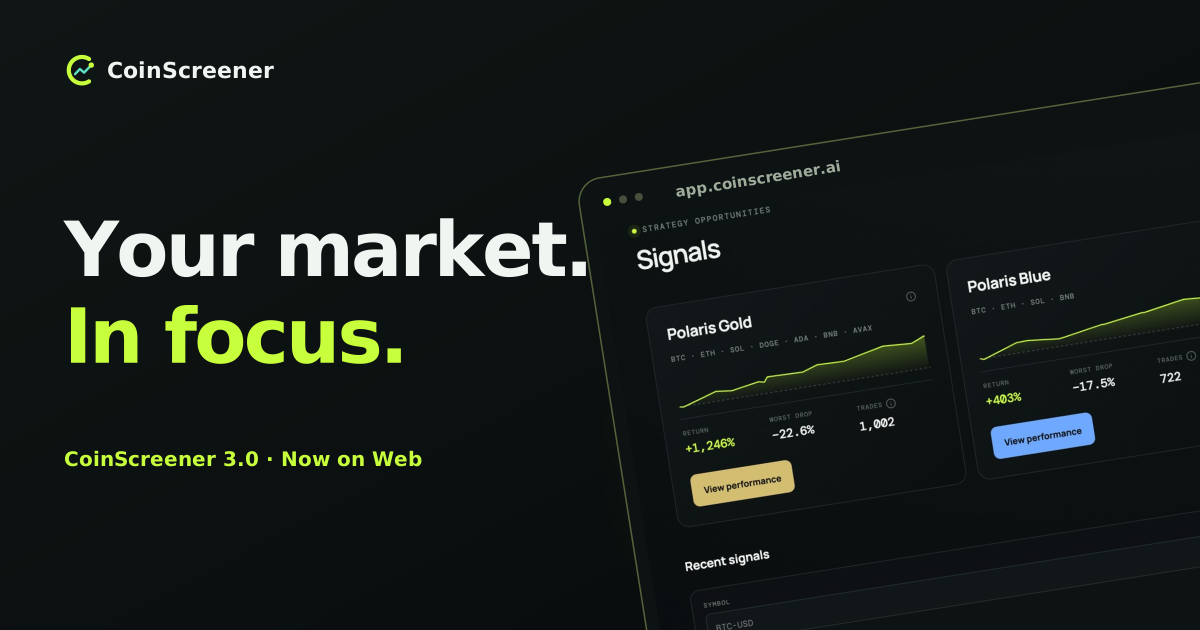
Today, September 9, 2026, CoinScreener 3.0 is live on Web. Open CoinScreener and explore a focused home for market alerts, curated trading signals and the markets you want to follow.
Trading Intelligence for Everyone. That is the idea behind this release: make useful market information easier to find, understand and examine, while keeping the trading decision in your hands.
Whether you have used CoinScreener for years or are visiting for the first time, welcome. This launch brings the new experience to your browser, with a clear path from discovering a market condition to reviewing the context behind it.
A clearer view of the market
CoinScreener 3.0 brings 14 alert types, three Polaris strategies and supported crypto and TradFi perpetual markets into one Web experience. Alerts tell you what changed; Signals add a named strategy's trading setup.
Meet the 14 alert types
Here is what each alert helps you notice. Available markets, intervals and live access depend on the alert and your account.
- Unusual Volume: trading volume stands out against its recent baseline.
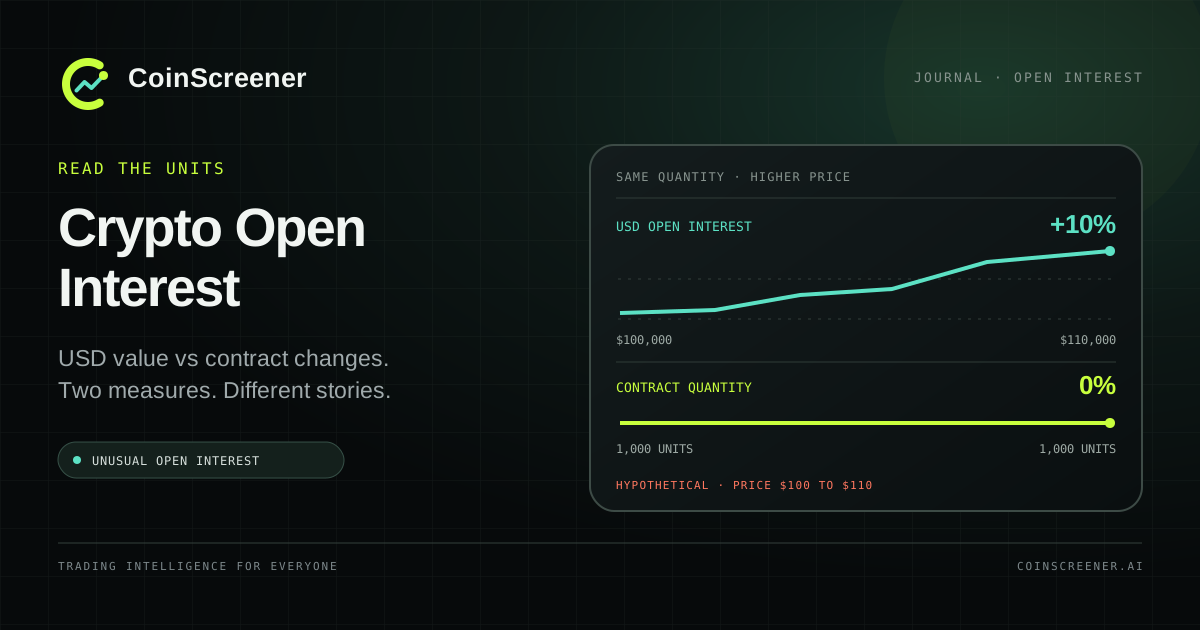
- Unusual Open Interest: open-interest value or contract activity meets an unusual-condition rule.
- RSI Overbought: momentum reaches an elevated RSI condition.
- RSI Oversold: momentum reaches a depressed RSI condition.
- Bullish RSI Divergence: price makes a lower low while RSI makes a higher low at the compared pivots.
- Bearish RSI Divergence: price makes a higher high while RSI makes a lower high at the compared pivots.
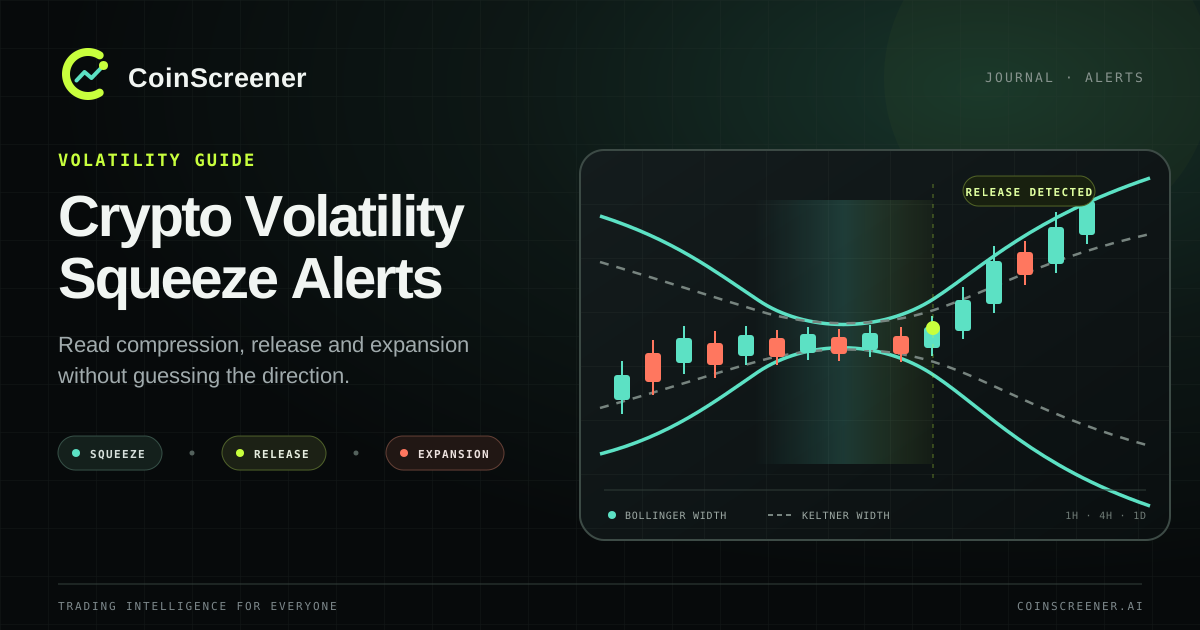
- Volatility Squeeze: volatility meets the defined compression condition.
- Squeeze Release: the market leaves that compression condition.
- Volatility Expansion: volatility widens sharply with the required momentum evidence.
- Golden Cross: the 50-period simple moving average crosses above the 200-period average.
- Death Cross: the 50-period simple moving average crosses below the 200-period average.
- 200 EMA Breakdown: price closes below its 200-period exponential moving average after holding at or above it.
- Range Breakout: price closes above the high of its preceding reference range.
- Range Breakdown: price closes below the low of its preceding reference range.
These are descriptions of market conditions, not automatic buy or sell instructions. Read the timeframe and evidence: a squeeze does not choose the breakout direction, and an RSI extreme does not guarantee a reversal.
Introducing Polaris Gold, Blue and Meme
Polaris Signals connect trading ideas to curated strategies, with reference levels and published historical evidence to inspect.
- Polaris Gold: a broader selection of crypto markets, for reviewing opportunities across a wider market set.
- Polaris Blue: focused coverage of BTC, ETH, SOL and BNB in the current strategy panel.
- Polaris Meme: selected meme-token markets, where contract units, liquidity and execution deserve particular attention.
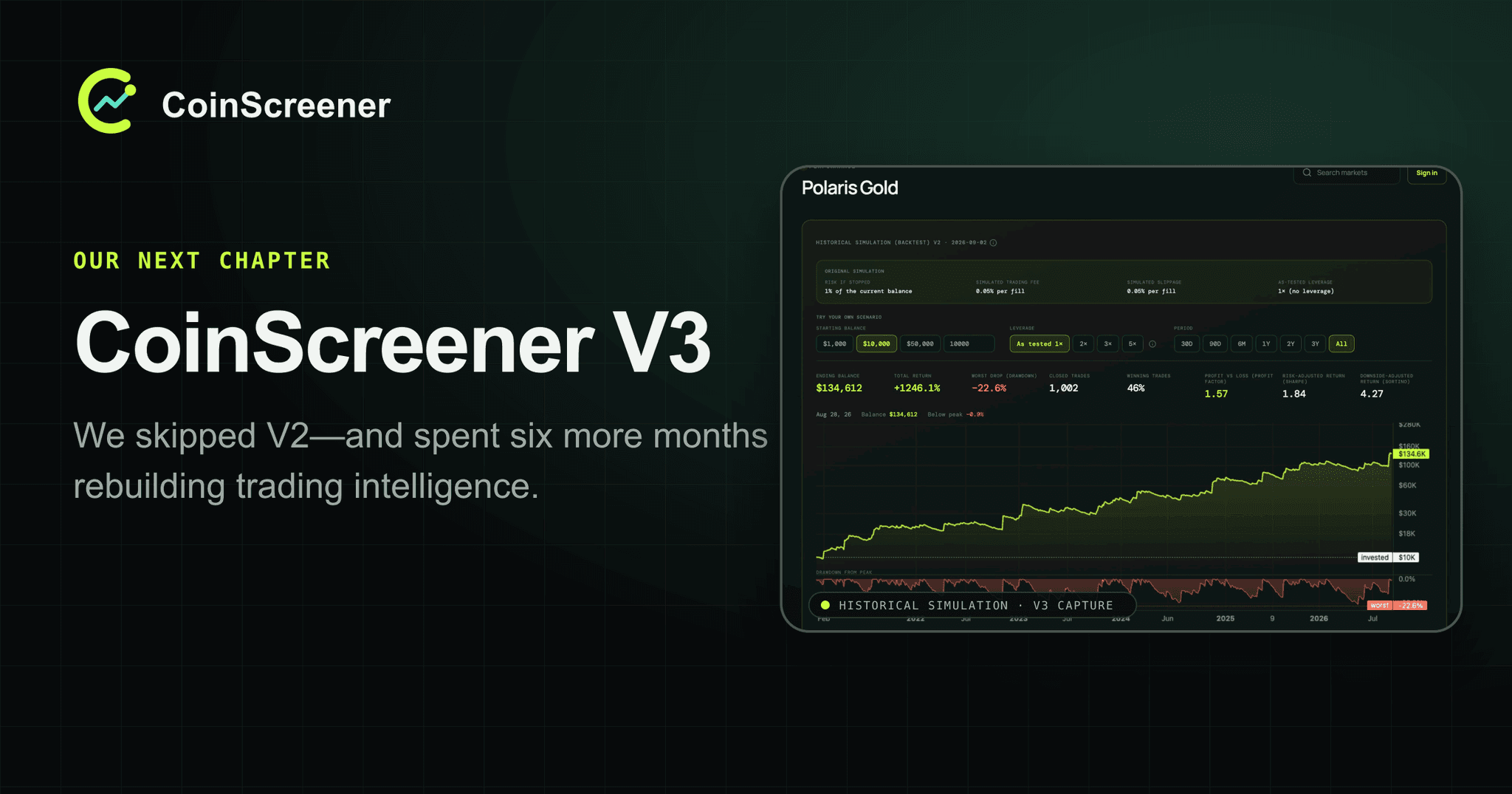
Use each strategy's current panel for its market list and the Signal itself for direction, entry, stop and any available target. Open View performance to examine its testing period, trades and drawdowns. Historical tests are separate from live execution and do not promise future returns. Following multiple strategies can also create overlapping exposure.
TradFi alerts alongside crypto
TradFi means traditional financial markets. CoinScreener covers supported Binance perpetual contracts linked to stocks, commodities and ETFs alongside crypto. Use the Asset class filter in Alerts to choose the market group you want to explore.
These are alerts on perpetual derivatives, not a stock brokerage account. Stock and ETF contracts do not give you ownership of underlying shares. Coverage varies; check the supported contracts and your access in the app.
Keep your review focused
Your Watchlist brings chosen markets together for repeat visits. Start with the markets you understand, review their conditions and inspect the relevant strategy evidence. Saving a market to a watchlist does not automatically enable its notifications.
The workflow is simple: discover, inspect, then decide whether an idea fits your process—or keep watching without taking a trade.
Start exploring
You can begin directly in your browser:
- Open the Web app. Visit CoinScreener. Home introduces the experience, and the navigation takes you to Alerts, Signals, Watchlist and Profile.
- Access your account. Choose Sign in if you already have an account, or Create account from the account screen if you are new. Use the options shown there to complete access.
- Explore Alerts and Signals separately. In Alerts, examine a condition and its timeframe. In Signals, start with a strategy and its historical context. These sections answer different questions; exploring both helps you understand that distinction.
- Build your Watchlist. After signing in, choose markets you want to revisit. A focused list gives your next review a useful starting point.
Choose the access that fits your needs
- Free: core crypto alerts for unusual volume, unusual open interest and RSI overbought/oversold, plus your watchlist.
- Pro: advanced crypto alerts, supported stock, commodity and ETF perpetual alerts, and Polaris Blue live signals.
- Polaris: an independent signal package containing Gold, Blue and Meme. It does not unlock Pro's advanced or TradFi alert access.
You can combine Pro and Polaris when you want both sets of access. Illustrative previews demonstrate features; they are not live alert access. Compare plans and access, then check the applicable price and billing terms in the app or checkout.
For returning customers
Thank you for the feedback and patience that helped shape this release. If you are returning, start with the account and sign-in method associated with your existing CoinScreener access. Once signed in, open Profile to review the subscription information and management options available to your account.
If your account or expected access does not appear as you expect, contact support for help before creating another account or purchasing another subscription. Account history and billing can depend on the provider originally used, so it is worth resolving an access question at its source.
For the story behind the rebuild, read Why We Skipped V2. Today’s announcement marks a different milestone: the Web experience is available to explore.
Web today; mobile apps to follow
Today’s release is CoinScreener 3.0 on Web. The new iOS app — Coming Soon and Android app — Coming Soon will follow. We are not announcing their release dates in this post.
For now, use the Web app to get familiar with the experience. Keep an eye on this journal for future platform announcements and product updates.
An invitation to begin
Open CoinScreener, explore a market that interests you and take a closer look at the evidence. If you want more background before you begin, our Learn guides explain the concepts behind alerts, strategies and risk management.
Welcome to CoinScreener 3.0. We look forward to hearing how the new Web experience fits into your market research.
Alerts, Signals and historical tests are informational tools, not financial advice or guarantees. Trading involves risk, and historical performance does not predict future results.