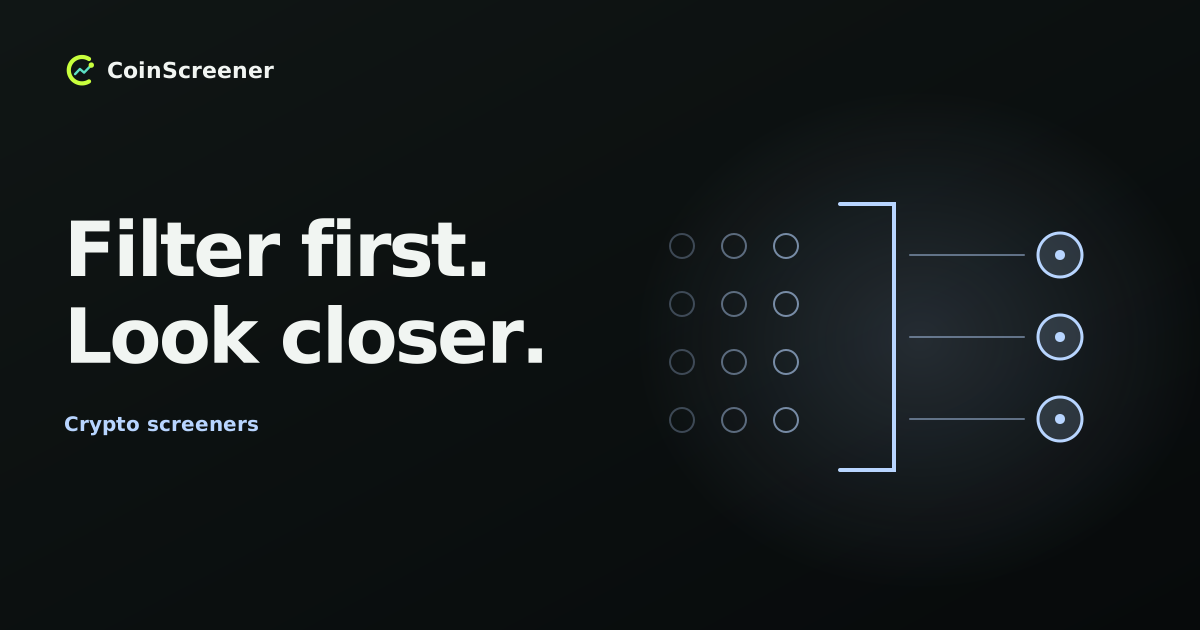
A crypto screener narrows a set of markets to those matching stated conditions. It helps you decide which charts deserve attention. A match does not tell you that a trade will be profitable, or even that you should place an order.
This refreshed guide explains the basic job of screening, the details a filter needs, and a small example you can check yourself. The examples describe screening in general; the CoinScreener section identifies where to begin in the current Web app.
What are Crypto screeners?
A screener compares markets using selected criteria, such as trading activity, price changes or technical conditions. Its result is a filtered set, often displayed as a table or cards. TradingView’s screener documentation illustrates this model with configurable criteria and data columns. The available markets, fields and settings differ between products.
Filtering and sorting do different jobs. A filter decides which markets qualify; sorting changes their order. Sorting all markets by volume does not exclude quiet markets unless you also impose a volume condition.
A coin and a tradable market are not interchangeable. The same token can trade in several pairs, on different venues and as different instruments. A spot pair and a perpetual contract can have different observations. Identify what each row represents before comparing it with a chart.
What advantages does a Crypto screener offer?
A screener makes a large collection of observations easier to examine and applies the same selected conditions across its covered markets. It can also make your selection explainable: this market appeared because these fields met these conditions at this time.
Keep three outputs separate. A screening result is a market matching criteria. An alert draws attention to a recorded condition or event. A trading signal presents a strategy’s setup. CoinScreener’s Alerts and Signals guide explains its distinction. None of these, by itself, means an order was executed in your account.
The benefit is a more manageable starting point for investigation. It is not proof that adding more filters improves a strategy. Several price-based conditions can repeat similar information; our indicator-confluence lesson explores that problem.
What should a filter specify?
Record the market and venue, the measurement, its units, the time window and the comparison. “High volume” is incomplete: does it mean coins traded, quote-currency turnover, or contracts? Does it cover one venue or several? Is the window one completed hour or a rolling day?
For example, CME’s volume definitions count contracts traded on the selected date. A spot market’s USD turnover is a different quantity. Read the field definition instead of comparing numbers with different units.
For an indicator, specify its calculation and period. A simple moving average, or SMA, is the arithmetic mean of the selected observations. Twenty hourly closes cover a different horizon from twenty daily closes. State whether the current unfinished candle is included, and check the data timestamp. A moving value can cross a threshold before the candle closes and finish back on the other side.
A small screening example
Consider three fictional USD-quoted spot markets on one fictional venue. All data is assumed complete and received at the same evaluation time, 12:00 UTC. Turnover covers the preceding 24 hours; price is the close of the 11:00–12:00 hourly candle. SMA20 uses the latest 20 completed hourly closes, including that close.
For teaching only, require both conditions: turnover of at least USD 5 million, and close strictly above SMA20. These are arbitrary example conditions, not recommended thresholds or a claim that CoinScreener offers this exact custom filter.
| ID | 24h turnover | Close / SMA20 | Result |
|---|---|---|---|
| A | 8 | 101 / 100 | Pass |
| B | 3 | 51 / 50 | Exclude |
| C | 12 | 98 / 100 | Exclude |
A passes both checks. B is above its average but misses the turnover requirement. C has the largest turnover but closes below its average. With AND, only A qualifies; using OR instead would admit all three. Exactly 5 million meets the turnover condition, but a close equal to SMA20 fails the strict price condition. Missing data is unverified, not automatically a pass.
The screen has selected one market for further inspection. It has supplied no entry, stop, position size or estimate of future returns. Its turnover total also says nothing about the quantity available at your next order’s price; see volume versus liquidity.
A practical workflow in CoinScreener
Open CoinScreener on Web and begin in Alerts. Use the available filters to focus the feed, then inspect an event’s market, timeframe, chart and evidence. Check the displayed time and current price rather than treating an earlier condition as a current entry.
Use Signals when reviewing strategy setups, and read their historical evidence separately from live results. The backtests guide explains that distinction. A watchlist can help you return to selected markets; building a repeatable daily shortlist is a separate task from understanding what a screen reports.
Access and available controls depend on the current product and account. Check the actual interface; the generic example above is not a sequence of CoinScreener settings.
What a screener cannot tell you
A match cannot establish why a market moved, whether a headline caused it, or what happens next. Screening rules need evaluation beyond an attractive snapshot. Costs, liquidity, missing data and delays can change the decision after a market appears.
Start with one clearly defined question. Check the result against its data, then decide whether there is enough information to investigate further. Choosing not to trade remains a valid outcome.
Educational information, not financial advice. All market values and screening outcomes in the example are hypothetical; no trading performance is claimed.